
Features

Automation Manager is a graphical software package for the creation of application programs to control machines and inspect/gage products. AM contains a powerful and broad toolset so a single program can incorporate elements of machine vision, gaging, motion control, etc., all controlled from one software package. All result data can be viewed in dynamic SPC data charts and exported to xml and csv files. AM also has a powerful IO controller and ladder logic.
The Tools
   Machine Vision    machine vision

   Gaging    gage

   Motion Control    motion control

   Thermal Imaging    thermal imaging

   Multimedia    Multimedia


SPC    SPC

IO Control    IO Control

Hardware Support
   Cameras    IO Control

   IO Boards    IO Boards

   Motion control    Motion Control


Machine Vision Tools

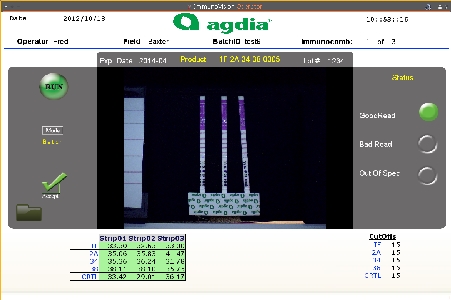
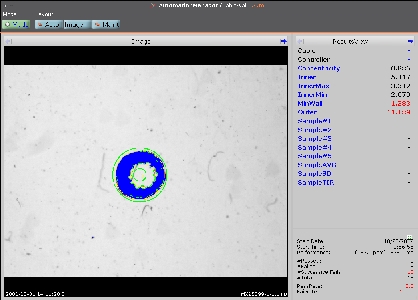
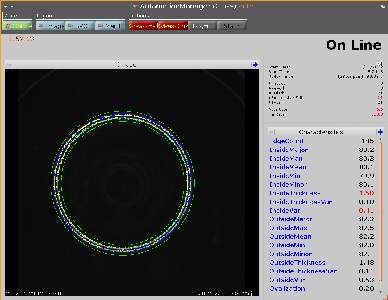
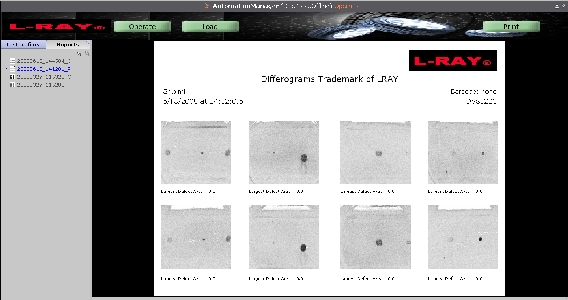
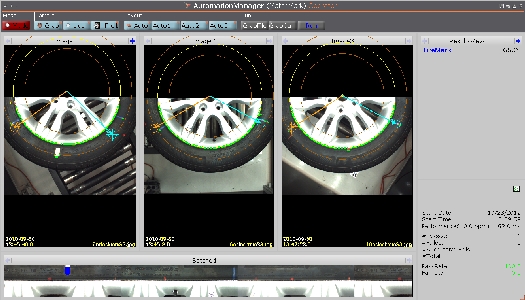
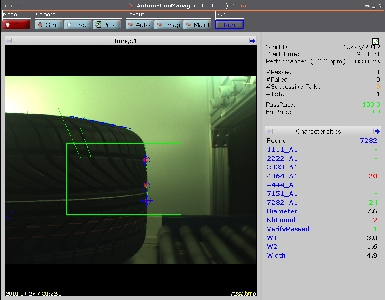
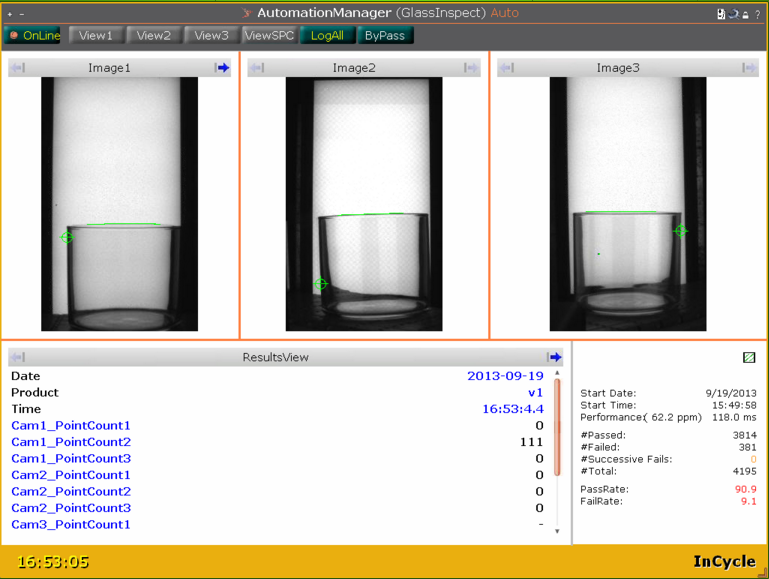
If Automation Manager had a native language it would be machine vision. The AM Vision tools have been used in a variety of applications - from print inspection, to color checking, to tire tread identification, to 3d laser guidance. Checkout our Machine Vision installation page for a small sampling of the ways AM has been used for Machine Vision.

For those interested in the specific tools available in AM, you can count on finding all of the standard imaging tools you would expect: blob, edge finding, correlation etc. AM also comes with a surprisingly powerful Color manipulation toolset that is second to none in the industry.

Just like everything in AM, all of the result data from the vision tools will be recorded in dynamic SPC data charts and can be exported to xml or csv files.

vision

Gaging Tools

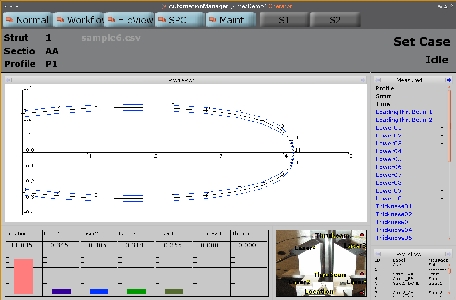
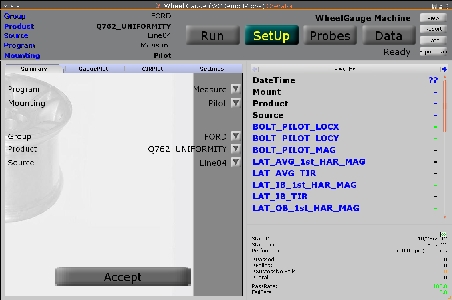
Automation Manager has powerful gaging functionality. AM's gage tools can interact with both laser and touch probes and has all the functionality one would expect from industrial gaging software: measure, gain, calibration, dual gain, dual calib, etc.

The gage tools have been used in wheel harmonic inspection, web thickness measurement, and, of course, basic laser measurement applications. Checkout our Gaging installation page for a small sampling of the ways AM has been used for Gaging.

While the gage tools are typically used in stand alone applications, they have been designed to integrate perfectly with the vision and motion components of AM. Just like everything in AM, all of the result data from the vision tools will be recorded in dynamic SPC data charts and can be exported to xml or csv files.
gaging

Motion Control Tools

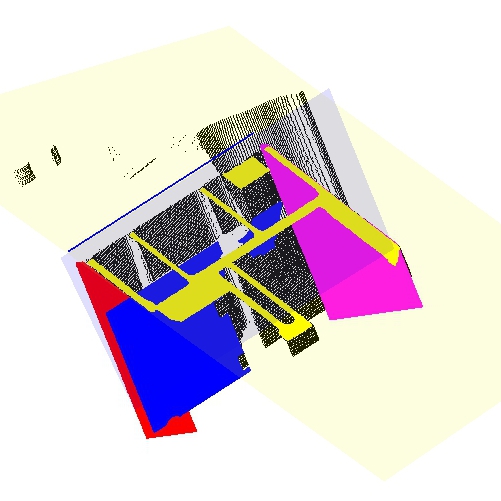
Automation Manager offers users the flexibility to control all aspects of the inspection process with one software package. AM can control motion within a defined program or allow operators to control the motion manually. The motion can be integrated with the multimedia tools to show an operator visually where a part is in the inspection process and whether the part has passed or failed.

Since all motion and inspection are controlled from one software package it is easy to integrate elements of vision/gaging and motion. The motion control tools can be setup to cue the vision/gage inspection and the pass/fail results can be used to send the part to one location or another. In this way AM can streamline and simplify the entire inspection process.

motion control

Thermal Imaging Tools

Automation Manager has integrated thermal cameras and the power of thermal imaging into its repertoire. AM comes with preinstalled and custom look up tables for easy thermal viewing. Images can be saved overtime into an image database for future comparison. Locate hot and cold spots, measure temperatures and temperature gradients.

Checkout our Thermal Imaging Installation page for a sample Thermal application.

The thermal imaging tools are perfectly integrated into AM and can be combined with any vision, gaging, motion control tools etc. All of the result data from the vision tools will be recorded in dynamic SPC data charts and can be exported to xml or csv files.

thermal

Multimedia Tools

Automation Manager has integrated a powerful collection of multimedia tools. These tools have been used in various ways by AM customers. Some have found it useful to create slides to lead operators through a calibration. Others have coupled the multimedia with the motion control to show the operator where a part is in the inspection process, and which parts have passed and failed and to display which IO are on or off.

The multimedia tools in AM do not need to be run in a separate program, they can be used in the middle of the inspection. Text can be placed directly over a grabbed image, or comparison images can be laid side by side to the parts being inspected.

The AM multimedia tools are so powerful they are sold as a stand alone product in the church worship market.

multimedia

SPC Data

Every characteristic that is judged in Automation Manager will create an SPC data chart. The SPC data can be shown in an XBar Range chart and a histogram. All SPC data can be exported to CSV or XML files for easy reference. Each SPC chart shows the upper and lower tolerances and the measurements that have been taken. AM can even import raw data into an SPC chart.

SPC charts are created automatically and dynamically in conjunction with the programs. No setup is necessary once a program has been created to judge a characteristic. As a program runs SPC data can be viewed as the data is processed.

spc

IO Control

In Automation Manager IOs (Input Output) give the user more control over when things happen. A physical IO can be setup to run a program when an IO board is triggered. A memory IO can be set to launch one program when a part passes, or a different program when a part fails. A keyboard stroke can be setup to run certain events.

AM works with IO timers and schedules, physical and memory IO, digital and analog IO and comes with its own ladder logic system to weld it in with the rest of AM's functionality.

io

Supported Cameras and Framegrabbers

Here is a list of industrial cameras/framegrabbers currently supported by Automation Manager.

If you are interested in using a different camera/framegrabber for an application, or if you are a camera/framegrabber company that would like AM to support your cameras, contact us for integration information.
  • AAS2, AXT100 Thermal Camera
  • Canon Cameras
  • Canon Digital Support
  • Direct USB/Firewire Cameras via MS Direct Show
  • Epix
  • cameras
  • Imagenation
  • ImiTech IMB Camera
  • Lumenera cameras
  • Matrox
  • PCDig/NetSight Framegrabbers
  • PCVision
  • PICAsync
  • PixelLink cameras
  • Pleora's iPort GigE camera interface
  • Silicon Imaging
  • SI USB Camera support
  • Unibrain UBCore

Supported IO Boards

Here is a list of IO boards currently supported by Automation Manager.

If you are interested in using a different board for an application, or if you are a company that would like AM to support your boards, contact us for integration information.
  • Adlink 8133 Encoder card
  • Advantec PCL 725 and 1761 boards
  • Advantech 1784 encoder card
  • Acuity Research Laser AR4000 and AR200 series
  • Computer Board products
  • IO Boards
  • Kurt Gage Mate
  • Mitsubishi PLCs
  • MRL long Distance range laser
  • National Instruments DAQ cards
  • National Instruments DAQ mx devices
  • Opto22 PCI AC5 DIO Card
  • Probe Prodcuts HSI cards
  • Probe Prodcuts HSP-8 cards
  • Solartron Orbit Network

Supported Motion Controllers

Here is a list of motion controllers currently supported by Automation Manager.

If you are interested in using a different control device for an application, or if you are a company that would like AM to support your hardware, contact us for integration information.
    Motion Control
  • Areotech U500
  • Computmotor SX
  • Mitsubishi CCLink
  • sherlock software
  • WinLase Marker